I Build Flight Controllers from Scratch. Acro Mode Still Humbled Me Immediately.
I want to be upfront about something before this post goes any further: I write attitude estimators. I have implemented cascaded PID loops from scratch in C++. I have read the BetaFlight source code to understand how rate mode works at the register level. I understand, at a mathematical level, exactly what is happening inside a flight controller when a drone is in acro mode.
None of that prepared me for the first five seconds after I flipped the switch.
The Setup
The RadioMaster Pocket arrived and the first thing I did was download FPV Skydive and pair it over USB. I had been flying in angle mode — stabilised, self-levelling, forgiving — and it felt fine. Comfortable, even. I could hover, translate, turn. Things were working.
The thought process before switching was roughly: I understand the firmware. Acro is just the rate loop without the attitude loop on top. I know what that means. How different can it actually be?
Very different. Immediately, catastrophically different.
What Actually Happened
I switched from angle to acro in the simulator and within about one second the drone was pointing somewhere I had not asked it to point, tilting at an angle I had not commanded, and by second three it was inverted and falling. I crashed. I reset. I crashed again. I did this for about twenty minutes, progressively more confused about why my inputs were producing outputs that bore no relationship to what I wanted.
The drone felt like it was running away from me. Small stick movements produced enormous attitude changes. I would try to correct and overcorrect. The corrections I was used to making in angle mode — releasing the stick to let the drone self-level — did nothing in acro. The drone just stayed wherever I had put it, continuing in whatever direction it had been going, until I actively corrected, which I was not fast enough to do.
I knew exactly what was happening mechanically. The attitude loop was gone. The drone was not trying to return to level. My stick inputs were setting angular rates, not angles. I knew all of this. I still could not fly it.
The Real Problem Was Not Mode — It Was Rates
I found RCwithAdam’s “Learn to Fly” series on YouTube — twenty videos walking through FPV flight training from zero. I am linking the full playlist at the end of this post. The thing that changed everything for me was not a technique video. It was his explanation of rates.
Default simulator rates — and default Betaflight rates on most quads — are set for experienced pilots. At full stick deflection you can be commanding 700, 800, even 900 degrees per second of rotation. That means a full stick input on roll will flip the drone completely in well under a second. You do not need to move the stick far to produce a large attitude change. For someone learning to fly with inputs that are not yet precise, even small accidental stick movements are enormous corrections.
The problem was not that I was bad at acro. The problem was that I was learning acro at a sensitivity level designed for people who already know acro.
I also started using FeelFPV on my phone alongside the simulator — it gives a visual representation of your current rates curve so you can see exactly how stick position maps to deg/s output. Seeing the curve before and after adjusting rates made the effect concrete.
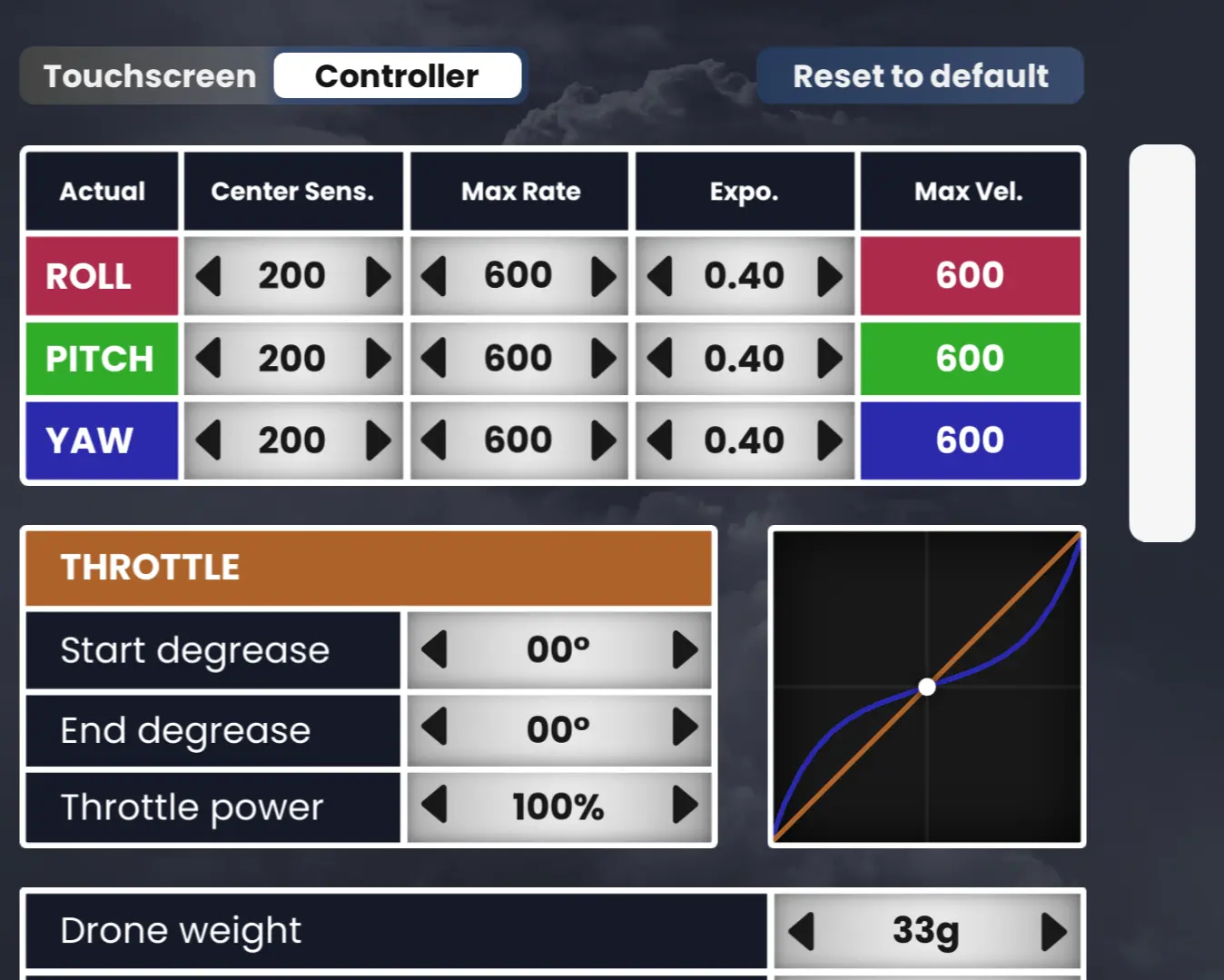
FeelFPV rates curve before adjustment — steep central curve producing aggressive rotation from slight stick deflections.
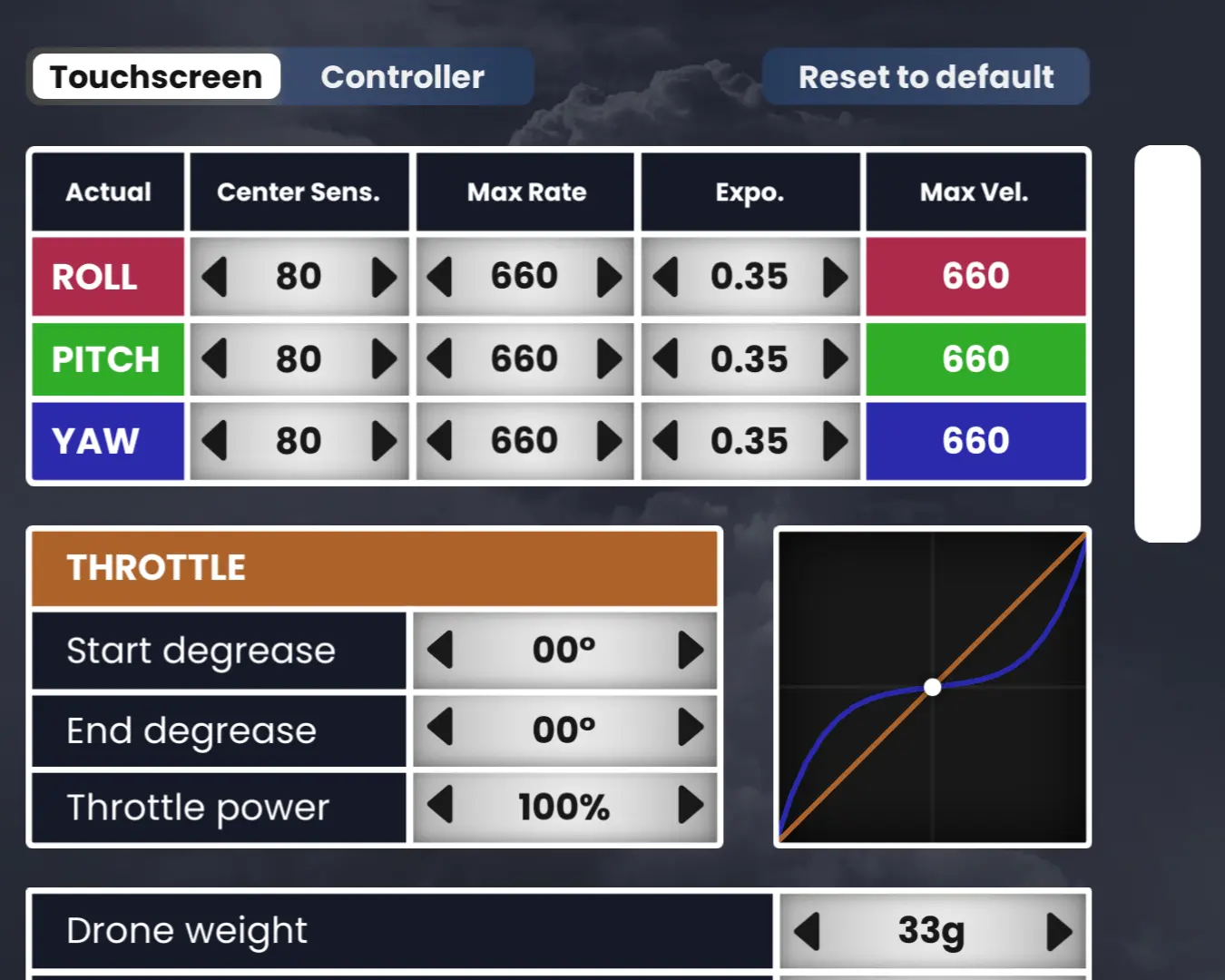
FeelFPV rates curve after adjustment — flatter center with higher expo to make stick inputs controllable for a beginner.
The before and after is stark. The before curve is steep in the centre — even a tiny stick input commands significant rotation. The after curve is flat and gradual — the drone responds to small inputs with small changes, and you have to actually push the stick to get fast rotation.
Once I understood what I was actually adjusting, the next post in this series will cover the exact numbers and what each parameter controls. For now, the conceptual shift was: I was not fixing my flying. I was fixing my configuration so that flying was learnable.
What Changed After Adjusting Rates
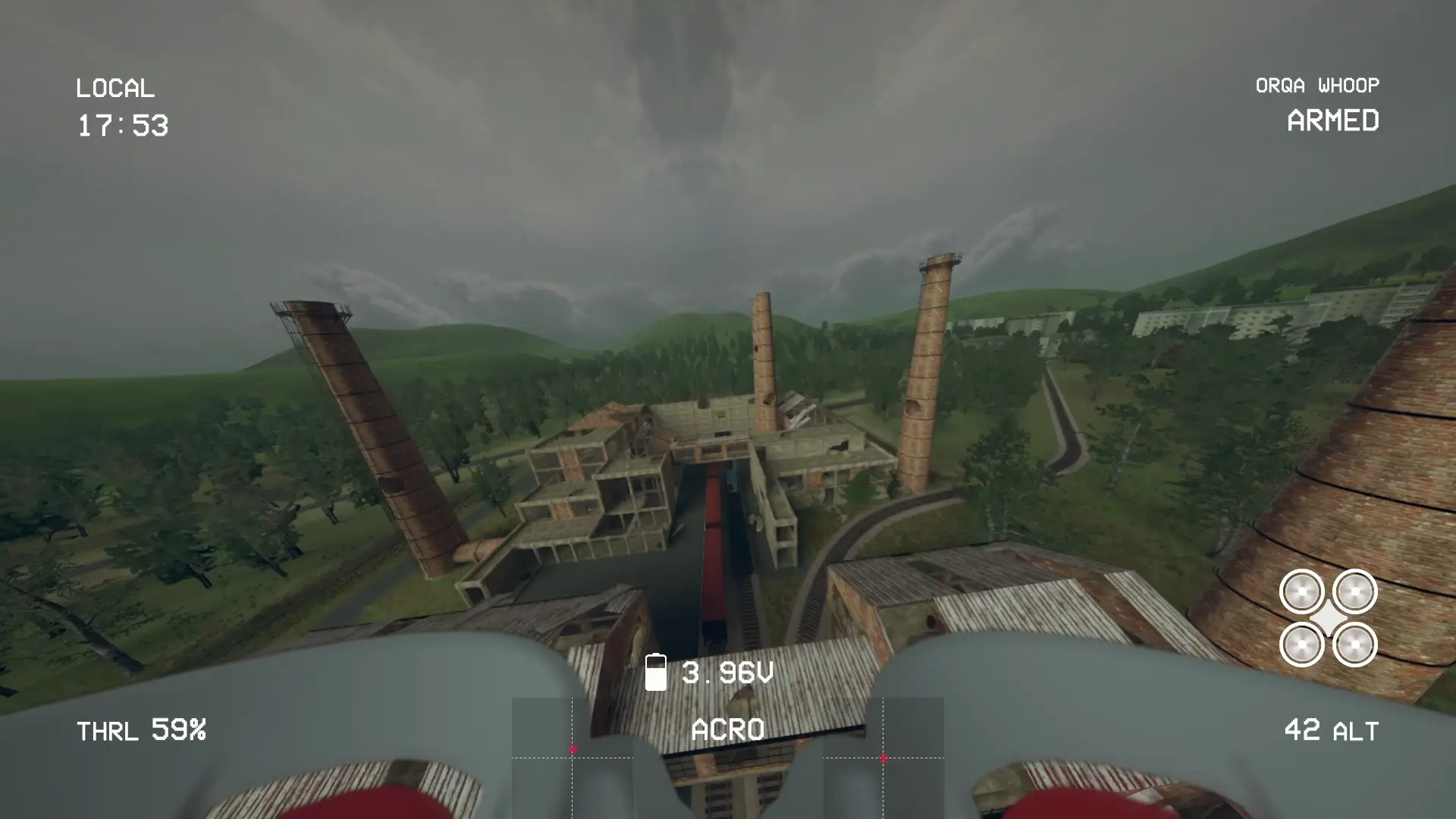
FPV Skydive simulator session after rate tuning — maintaining a stable hover and controlled flight in acro mode.
The difference was immediate and significant. Not “now I can fly acro” — I still cannot fly acro well. But the difference between before and after rates was the difference between the simulator being completely uncontrollable and being something I could actually practice in.
Holding a hover became possible. Slow forward flight became possible. I started being able to feel the relationship between my stick input and the drone’s response instead of just watching it spin somewhere randomly and crashing.
I still crashed constantly. I still crash constantly. But now I crash because I made a mistake, not because the sensitivity made the mistake inevitable.
The Bit That Is Interesting If You Build Flight Controllers
Here is the thing I keep coming back to. I have written the code that acro mode runs on. I have debugged the rate PID. I have tuned the integral term on a roll axis. I understand the math completely.
And I still could not fly it until someone explained rates to me as a pilot rather than as an engineer.
There is a gap between understanding how something works and understanding how to use it, and I walked directly into that gap at full speed. The engineering knowledge helps — I understood immediately why rates mattered once someone pointed me at the concept, because I know what the setpoint scaling does to the PID input. But the engineering knowledge did not prevent me from needing to learn to fly the same way everyone else does: badly, then slightly less badly, over a lot of time in a simulator.
I am not close to being good at acro. I am at the stage where I can fly in a straight line and make gentle turns without immediately crashing. That is genuinely where I am. I am writing this post from there, not from somewhere further along, because I think the honest version of “learning something new” is more useful than the retrospective version where the narrator already knows how it ends.
What Is Actually Helping
FPV Skydive as the simulator — free, accurate enough, runs on most hardware, and supports the RadioMaster Pocket over USB without any configuration.
RCwithAdam’s playlist — structured, clear, covers the right things in the right order for a complete beginner. The rates explanation specifically is what cracked it open for me.
👉 LEARN TO FLY — FPV Drone Flight Training by RCwithAdam
FeelFPV on the phone — visual rates curve representation. If you are struggling to understand what your rate settings are actually doing, this makes it concrete immediately.
👉 FeelFPV TinyWhoop on Google Play
The next post on this covers the rates configuration in detail — what RC Rate, Super Rate, and Expo each control, what beginner numbers look like, and how to think about setting them up. That is the tutorial version. This was the honest version of how I got there.
Still learning. Still crashing. Highly recommend.